
Keep the part that moves.
There’s a little video inside your Live Photos and Motion Photos. Save it as a clip you can watch, share, and keep.
10 free extractions to start. One-time upgrade. No subscription.
See how it works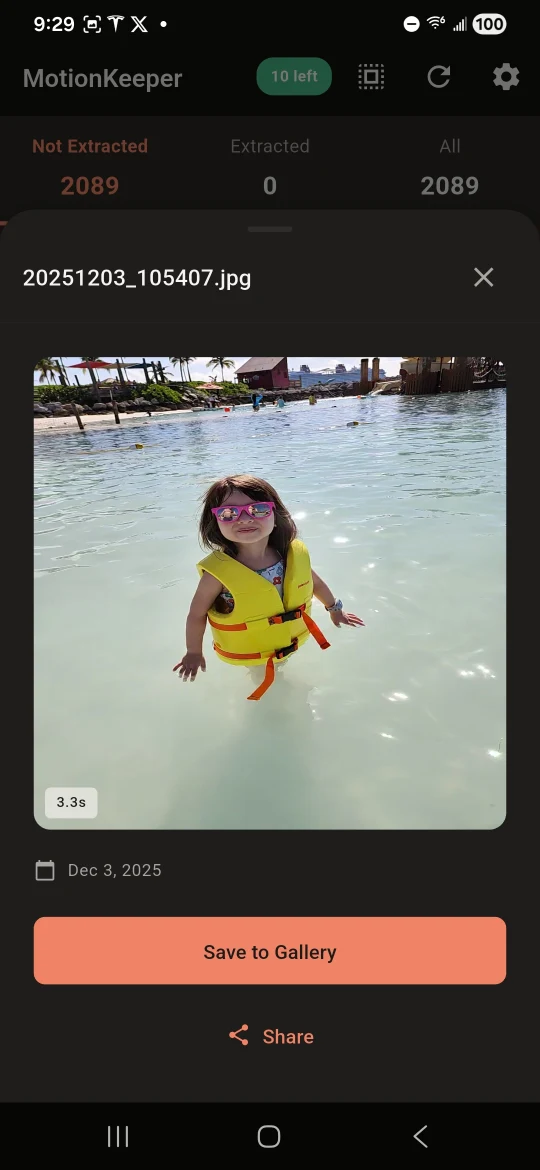 A moment, saved.
Your motion photoA still image with a video inside
A separate videoYour original photo stays intact
From your camera roll.
Back to the moment.
A laugh after the pose. The splash before the smile. Find the clips that are still part of your photos, then save the ones you love.
Find the motion.
Scan the photos you give access to and find the ones with a video tucked inside.
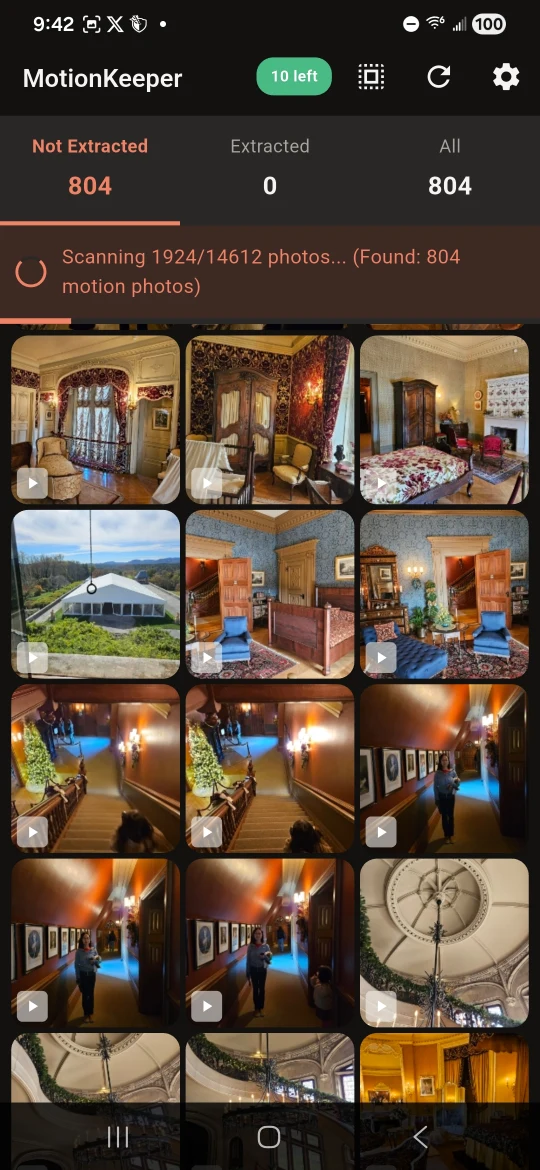
Play it back.
Preview the clip before saving. A tiny movement can bring the whole moment back.
Keep your favorites.
Select several clips and save them together as videos in your photo library.
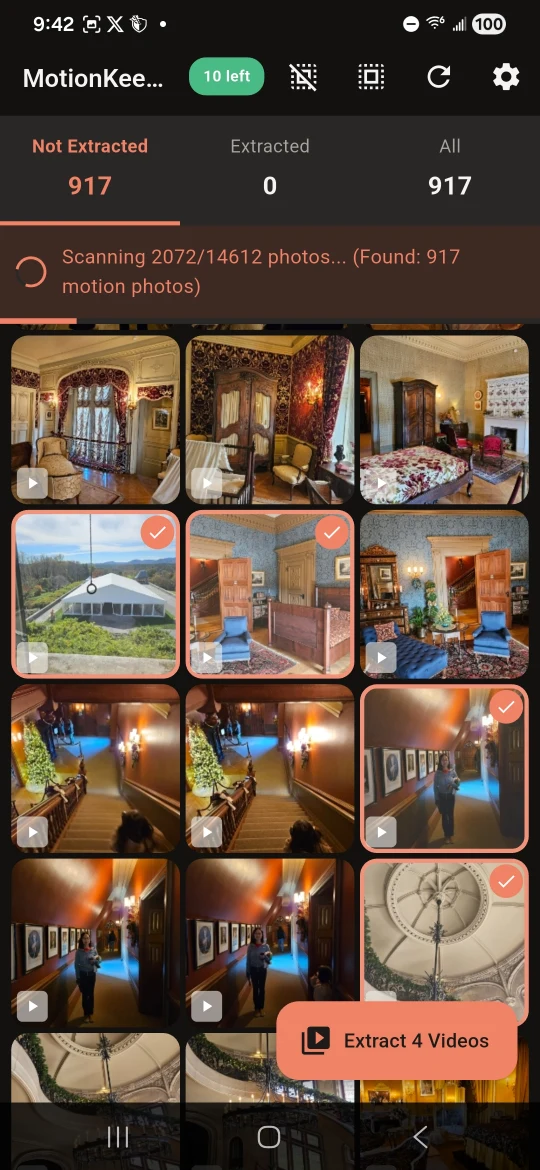
Android previews from before the Motion name update. The iPhone layout differs.
More ways to keep a memory
The little things
between photos.
MotionKeeper’s native iPhone app now goes beyond saving clips, with frame extraction, bulk sharing, and a dedicated album for what you keep.
Find a favorite frame
On iPhone, step through a clip and save a still image from it. Keep an expression your original photo missed.
Save a few. Share a few.
Batch extraction saves several videos in one go. On iPhone, bulk sharing also lets you pass along selected clips together.
Keep processing on your device
Motion does not upload your photos to our servers. Your own photo-library sync, cloud downloads, and sharing choices stay separate.
Before you start.
Get help with Motion →Is Motion the same app as MotionKeeper?
Yes. Motion is the shorter name you’ll see on your device, with a new icon. You can still find it in the stores as MotionKeeper: Live Photo Saver. The app and store links have not changed.
Which photos can I use?
Use Live Photos on iPhone or supported Motion Photos on Android that still contain their video component. Compatibility depends on the original format and how the photo was transferred. An ordinary still image, or a photo whose motion data was removed, cannot be turned back into its original video. The current iPhone release requires Full Access to save videos or frames, even though scanning also supports limited photo access.
Will my original photos change?
No. Extraction saves a separate video and leaves the original photo intact. On iPhone, you can also save a still frame from the clip. Keep your normal photo backup in place; an extracted video is an additional way to save the moment.
Where do the saved videos go?
Videos are saved to your Photos library on iPhone or gallery on Android. The iPhone app also groups saved videos and frames in its dedicated album. You can then share or back them up using the apps and services you choose.
Are my photos uploaded for processing?
Extraction happens on your device. Motion does not upload your photos to our servers. Your photo library may download originals from iCloud, and your own photo-sync, backup, or sharing choices may send media to other services.
How does the free version work?
New installs include 10 free video extractions. A one-time in-app purchase unlocks unlimited extractions, with no subscription. See the app for your local price. Some earlier Android installations keep a larger free allowance; Settings shows the allowance for your installation.
Your photos have more to tell.
Try 10 free video extractions. Keep the originals, too.